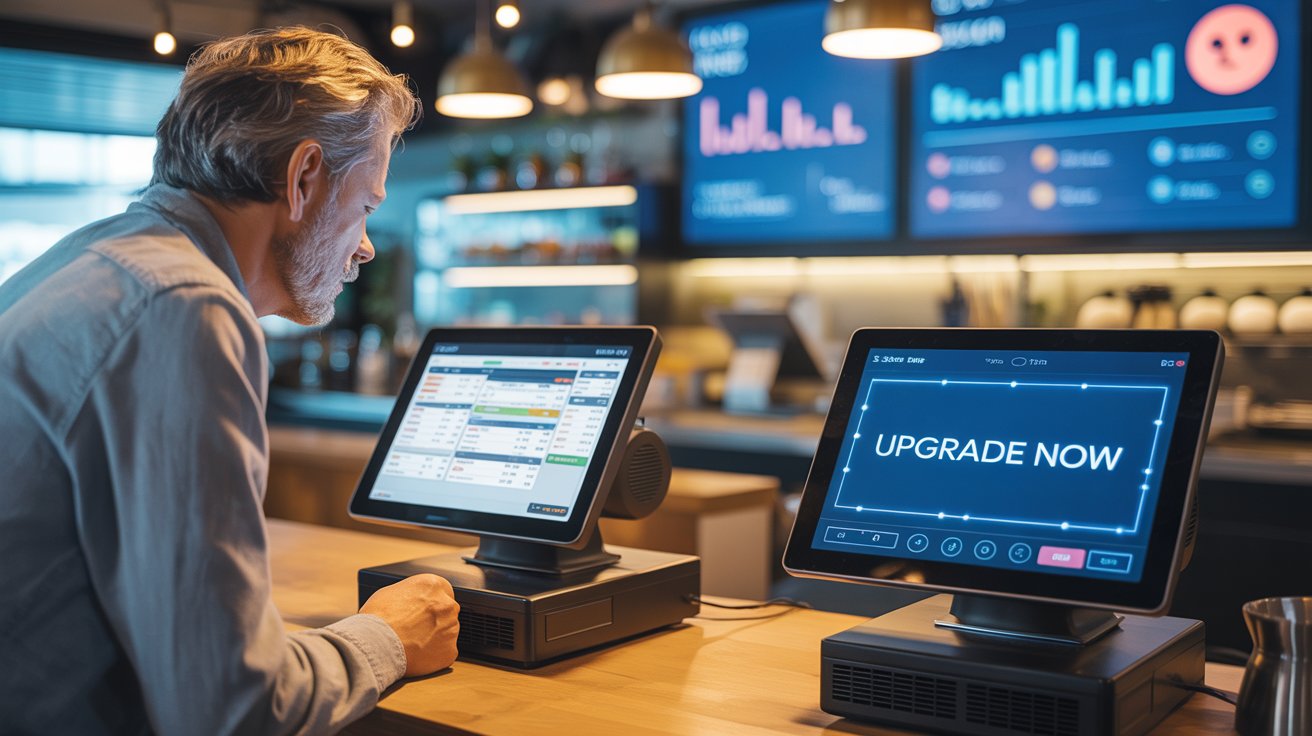
Are you still dealing with a POS system that freezes during peak hours or prints receipts like it's stuck in the early 2000s? If that sounds like your everyday hustle, you're not alone.
Many restaurateurs stick with outdated systems just because "it still works," but still working isn't the same as working well. In the restaurant industry, your POS should feel like your best team member, not a headache you've to bear every day.
If your system is slowing you down, confusing your staff, or keeping you in the dark about your sales, it might be time to ask the hard question: Is my POS holding me back?
For a visual explanation of 9 Clear Signs Your POS System Needs an Upgrade, watch the video below:
1) It Slows You Down Instead of Speeding You Up
An outdated POS system is like a slow waiter who forgets your order and arrives late with the wrong bill. You tap the screen, and it lags. You try to split a bill, and the system crashes. During peak hours, even a 5-second delay per order adds up to frustrated staff, longer lines, and unhappy customers.
Now compare that to a modern restaurant POS. It's built for speed. Orders go in with a few taps, payments process instantly, and the system flows so smoothly that your staff can handle rush hour like pros. Some even offer offline modes, so nothing stops, even if your Wi-Fi does.
Before you decide to upgrade, ask your POS provider:
- How fast is your system during peak hours? Can you show me a live demo?
- What happens if the internet goes down? Does the POS still work?
- How long does it take to process an order, split a bill, or print a receipt?
- Is the interface easy enough for new staff to learn in one shift?
- Do you have any real-time performance reports or uptime stats?
A good POS should never slow you down. If yours is, maybe it's time to speed things up with something better.
2) No Cloud Access? That's a Big Problem
Old-school POS systems usually live on a single device in your restaurant. If you want to check sales, track performance, or see how your team is doing, you have to physically be there. No remote access, no real-time updates, no flexibility. If you're not in the restaurant, you're in the dark.
A cloud-based POS changes the game. Whether you're at home, traveling, or managing multiple locations, you can log in from your phone or laptop and see everything - sales, orders, staff performance, live tables, and even customer feedback. It's like carrying your restaurant in your pocket.
Before you make the switch, ask your POS provider:
- Is your POS cloud-based or locally installed?
- Can I access real-time reports from my phone or laptop?
- What kind of data is synced to the cloud, and how often?
- Is my data secure, and how is it backed up?
- Will I need to install anything, or is everything browser-based?
Today, running a restaurant shouldn't tie you to one location. A modern POS gives you freedom with control.
3) Limited Payment Options = Lost Customers
If your POS only accepts cash and basic card swipes, you're already losing sales. Outdated systems often lack support for digital wallets, contactless payments, gift cards, or QR codes. And in today's world, that's like telling your customers, "Sorry, we don't speak your language."
Modern POS systems are built for flexibility. They let customers pay however they want - Apple Pay, Google Pay, tap-to-pay cards, online payments for dine-in or takeout, and even split payments across multiple methods. The smoother the checkout, the happier the customer, and the more likely they'll come back.
Before upgrading, ask your POS provider:
- Which payment methods does your system support—both online and offline?
- Is contactless/tap-to-pay enabled by default, or does it require extra hardware?
- Can I accept mobile wallets like Apple Pay and Google Pay?
- Do you charge extra transaction fees for different payment types?
- Is the payment process smooth and fast at the table or counter?
When your POS supports how your customers pay, you stop losing sales and start gaining loyalty.
4) Stop Getting Updates
Outdated POS systems are like phones that stopped getting updates years ago - buggy, slow, and increasingly risky. If your current system hasn't had a software update in months (or worse, years), that means no security patches, no new features, and no compatibility with modern tools. That's not just inconvenient, it's dangerous for your business.
Modern POS systems are constantly improving. They roll out automatic updates to fix bugs, boost performance, and add new features based on restaurant feedback. You don't need to call tech support or schedule downtime. It just works, quietly in the background while your business keeps running smoothly.
Before you commit to a new system, ask your POS provider:
- How often do you release software updates?
- Are updates automatic or do I have to install them manually?
- Do updates cause any downtime or affect operations?
- Are new features included in my plan or charged separately?
- How do you handle bug fixes and system improvements?
A modern POS should evolve with your business. If your current system feels stuck in time, maybe it's time to move forward.
5) Reporting Feels Like Solving a Puzzle
With outdated POS systems, getting a simple sales report can feel like pulling teeth. You dig through menus, download clunky Excel files, and still end up confused. There's no visual data, no real-time insights, and no way to see what's going on in your restaurant. And if you run multiple outlets? Good luck making sense of it all.
A modern POS makes reporting effortless. You get beautiful, real-time dashboards showing you everything: daily sales, top-selling items, staff performance, table turnover, peak hours - you name it.
And the best part? You can easily detect any type of theft (Internal or External). Before you upgrade, ask your POS provider:
- What kind of reports can I access - daily, weekly, or custom?
- Can I track sales, inventory, staff performance, and customer behavior?
- Are the reports easy to read and visually presented?
- Can I access reports remotely in real time?
- Can I compare data between different branches or periods?
Data shouldn't be a guessing game. The right POS helps you make smart decisions—fast and with clarity.
6) No Support When You Need It Most
When your POS crashes in the middle of a Friday night dinner rush and there's no one to help, panic kicks in. Outdated POS providers often offer limited support hours, long response times, or generic email replies. And that's the last thing you need when your system is down, your customers are waiting, and your team is freaking out.
Modern POS providers understand that restaurants don't run on a 9-to-5 schedule. That's why many offer 24/7 support through live chat, phone, or even WhatsApp. Some even have in-app help, video tutorials, and real-time troubleshooting so you're never left hanging.
Before switching, ask your POS provider:
- Do you offer 24/7 customer support? Through which channels?
- Is support included in the plan, or do I have to pay extra?
- Do you offer in-app help or training for staff?
- What's your average response time during emergencies?
- Can you assign a dedicated account manager for my restaurant?
Because in the restaurant industry, every minute counts. And you deserve a partner who's got your back, day or night.
7) Managing Staff Feels Like Hustle
Outdated POS systems often offer little to no staff management features. No shift planning, no performance tracking, and no control over who can access what. You're left juggling paper schedules, WhatsApp messages, and "he said, she said" confusion.
Modern POS systems come with built-in staff management tools. You can assign roles, set permissions, track hours, monitor individual performance, and even reward your top performers based on real-time data. Some systems even sync with payroll.
Before upgrading, ask your provider:
- Can I assign roles and control access for each staff member?
- Does the POS track working hours and shift activity?
- Can I monitor staff performance and sales data individually?
- Is there a way to integrate with payroll or scheduling tools?
- Can I set up staff training modules or guided walkthroughs in the system?
A strong team starts with a smart system that helps you manage, not micromanage.
8) You Have Customers, But No Real CRM
Old POS systems don't tell you who your customers are, what they love, or when they last visited. You're missing out on loyal customers simply because you're not tracking their behavior or engaging with them after they walk out.
Modern POS systems come with built-in CRM tools. You can collect customer data, track visit frequency, create loyalty programs, send personalized offers, and even get feedback, all from the same dashboard. That means better relationships and repeat business.
Before switching, ask your provider:
- Does your system collect and organize customer data automatically?
- Can I launch loyalty programs or offer discounts based on purchase history?
- Can I send messages or offers via SMS, email, or WhatsApp?
- Is there a way to collect feedback and reviews through the POS?
- Can I segment my customers by behavior, visit frequency, or preferences?
When you know your customers better, you serve them smarter—and keep them coming back.
9) Menu Management Feels Like a Maze
If changing your menu requires calling tech support or editing spreadsheets, your POS is holding you hostage. Outdated systems make menu updates slow, confusing, and full of errors. Whether it's changing prices, adding seasonal items, or hiding out-of-stock dishes, it becomes a chore.
Modern POS systems make menu management effortless. You can update your menu in real time, set time-based specials, upload photos, mark sold-out items instantly, and even test out new pricing with reports to back your decisions.
Before upgrading, ask your POS provider:
- Can I update my menu instantly across all devices and outlets?
- Can I add photos, modifiers, and descriptions for each item?
- Does the system support time-based offers and promotions?
- Can I hide or unhide items quickly when something sells out?
- Do I get reports showing which dishes are performing best?
Your menu should be as dynamic as your restaurant. A good POS gives you full control—without the headache.
A POS That Holds You Back is No POS at All
Running a restaurant is already chaotic, you don't need your POS adding to the mess. If you found yourself nodding through any of the points above, it's not just a minor inconvenience. It's a sign your system is holding your business back.
Technology should simplify, not complicate. It should save your time, boost your sales, and support your staff. A modern POS isn't just an upgrade, it's an investment in your restaurant's growth, reputation, and peace of mind.
Don't Wait Until Your POS Breaks - Break Up With It First
The longer you wait, the more you're losing customers, sales, and your sanity. If your current system is slowing you down, it's time to switch to one that speeds you up.
Say goodbye to the past. Say hello to Butter POS. Because smooth operations start with the right system.
Frequently Asked Questions (FAQs)
How do I know if my POS system is outdated?
If your POS lags during rush hours, crashes often, lacks cloud access, or doesn't support modern payments, it's a strong sign your system is outdated. A POS should improve efficiency, not slow down daily operations.
Can a slow POS system really affect restaurant sales?
Yes, even small delays during order taking or payment processing can lead to longer lines, unhappy customers, and missed orders. Over time, this directly impacts revenue and customer retention.
Why is POS speed so important during peak hours?
Peak hours are when your restaurant makes the most money. A slow POS increases wait times, stresses staff, and creates mistakes. Speed ensures smooth service and higher table turnover.
What is the biggest drawback of a non-cloud POS system?
Without cloud access, you can't view real-time sales, monitor performance remotely, or manage multiple locations efficiently. This limits decision-making and keeps you tied to the restaurant physically.
Is cloud-based POS access really necessary for restaurant owners?
Yes. Cloud access allows you to track sales, staff activity, and performance anytime, from anywhere. It gives owners visibility and control without needing to be on-site all the time.
How do limited payment options hurt customer experience?
Customers expect fast and flexible payments. If your POS doesn't support contactless payments, mobile wallets, or split payments, customers may leave frustrated or choose competitors next time.
Should a modern POS support digital wallets and contactless payments?
Absolutely. Supporting tap-to-pay, mobile wallets, and online payments improves checkout speed and matches modern customer expectations.
Why are regular POS software updates important?
Updates fix bugs, improve performance, enhance security, and add new features. A POS that doesn't update regularly becomes slow, insecure, and incompatible with modern tools.
Is it risky to use a POS system that no longer receives updates?
Yes. Lack of updates increases the risk of system failures, data security issues, and operational disruptions that can harm your restaurant's reputation and finances.
How can poor reporting limit restaurant growth?
Without clear reports, you can't see what's selling, when rush hours happen, or how staff perform. This makes decision-making slow and based on guesswork instead of data.
What kind of reports should a modern POS provide?
A modern POS should offer real-time sales dashboards, item-wise performance, staff productivity, peak hour analysis, and multi-location comparisons in an easy-to-read format.
Can a POS system help detect internal or external theft?
Yes. Advanced POS systems track transactions, voids, discounts, and staff actions, helping identify unusual patterns that may indicate theft or misuse.
Why is 24/7 POS support critical for restaurants?
Restaurants operate beyond regular business hours. If your POS fails during a busy shift, immediate support is crucial to avoid revenue loss and customer dissatisfaction.
What type of POS support should restaurant owners expect?
Reliable POS providers offer round-the-clock support through live chat, phone, or instant messaging, along with fast response times during emergencies.
How does a POS system help with staff management?
Modern POS systems allow you to assign roles, control permissions, track working hours, and monitor individual performance, making staff management more organized and transparent.
Can a POS system reduce staff errors and confusion?
Yes. A clear, intuitive interface reduces training time, minimizes order mistakes, and helps staff work confidently even during busy shifts.
Why is customer data important in a POS system?
Customer data helps you understand visit patterns, preferences, and spending habits. This allows you to build loyalty programs and personalize offers that drive repeat visits.
What CRM features should a restaurant POS include?
A strong POS CRM should track customer visits, store contact details, support loyalty programs, and help collect feedback, all in one place.
How does easy menu management improve daily operations?
Quick menu updates prevent ordering mistakes, allow instant price changes, and help manage sold-out items efficiently without disrupting service.
When is the right time to upgrade a restaurant POS system?
If your POS is slow, outdated, unsupported, or limiting your growth, the right time to upgrade is now, before it causes bigger operational or financial losses.






 Region: United States


