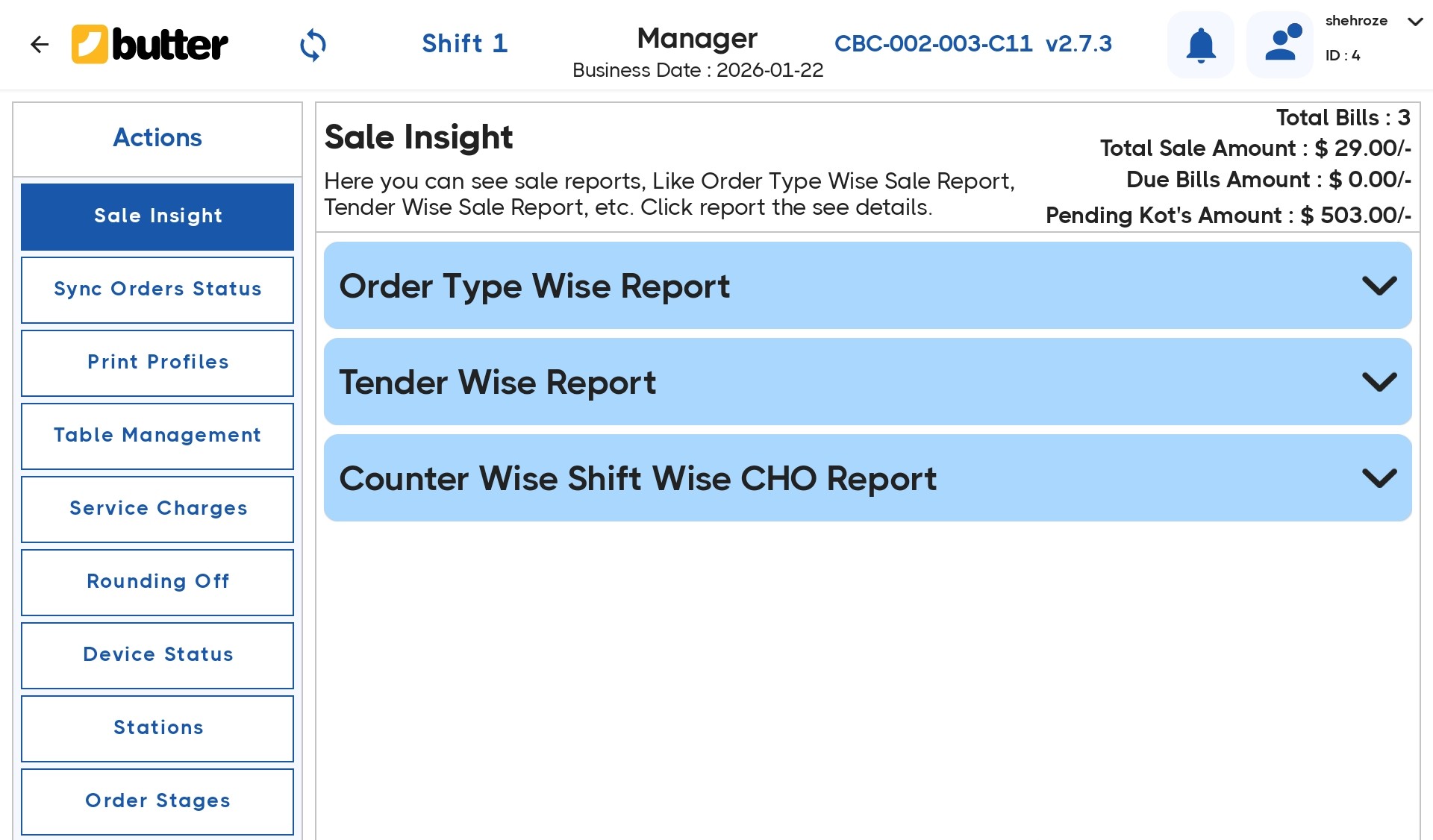
Manager Access in Butter POS is a permission-based feature designed to control sensitive actions within the system. It ensures that only authorized managers or supervisors can approve or perform critical operations, while regular cashiers remain restricted.
Whenever a restricted action is attempted, Butter POS prompts for manager approval, requiring a valid manager PIN or login credentials.
Why Manager Access is Important in Butter POS
Manager Access plays a key role in maintaining operational and financial control. It helps businesses:
- Prevent unauthorized billing changes
- Reduce errors and internal misuse
- Maintain accurate sales and cash records
- Enforce staff accountability
- Protect sensitive business data
This feature is especially important for restaurants, cafes, QSRs, and retail outlets.
Actions That Require Manager Access in Butter POS
Depending on your outlet's configuration, the following actions typically require manager approval:
-
Billing & Order Control
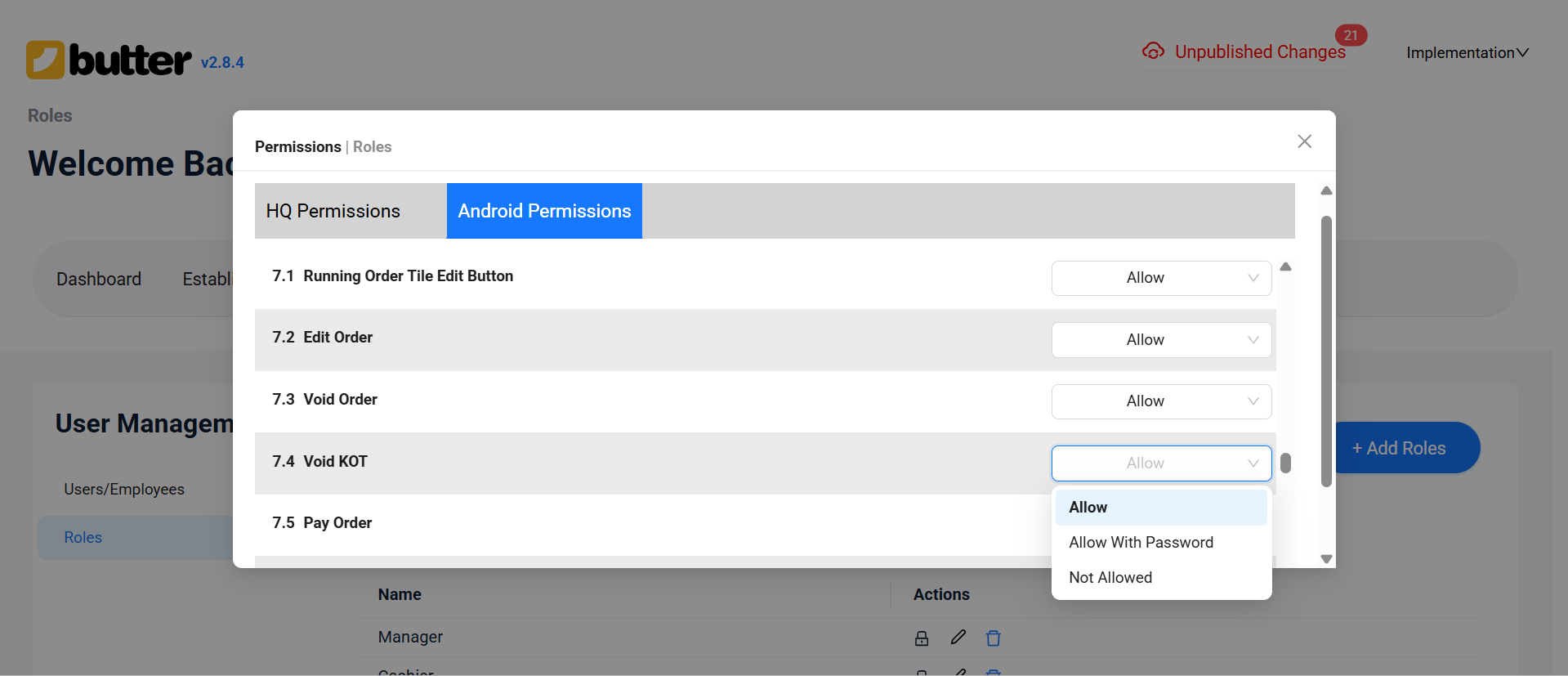
- Voiding a bill
- Voiding items after they are added
- Reopening a closed bill
- Modifying a settled transaction
-
Pricing & Discounts
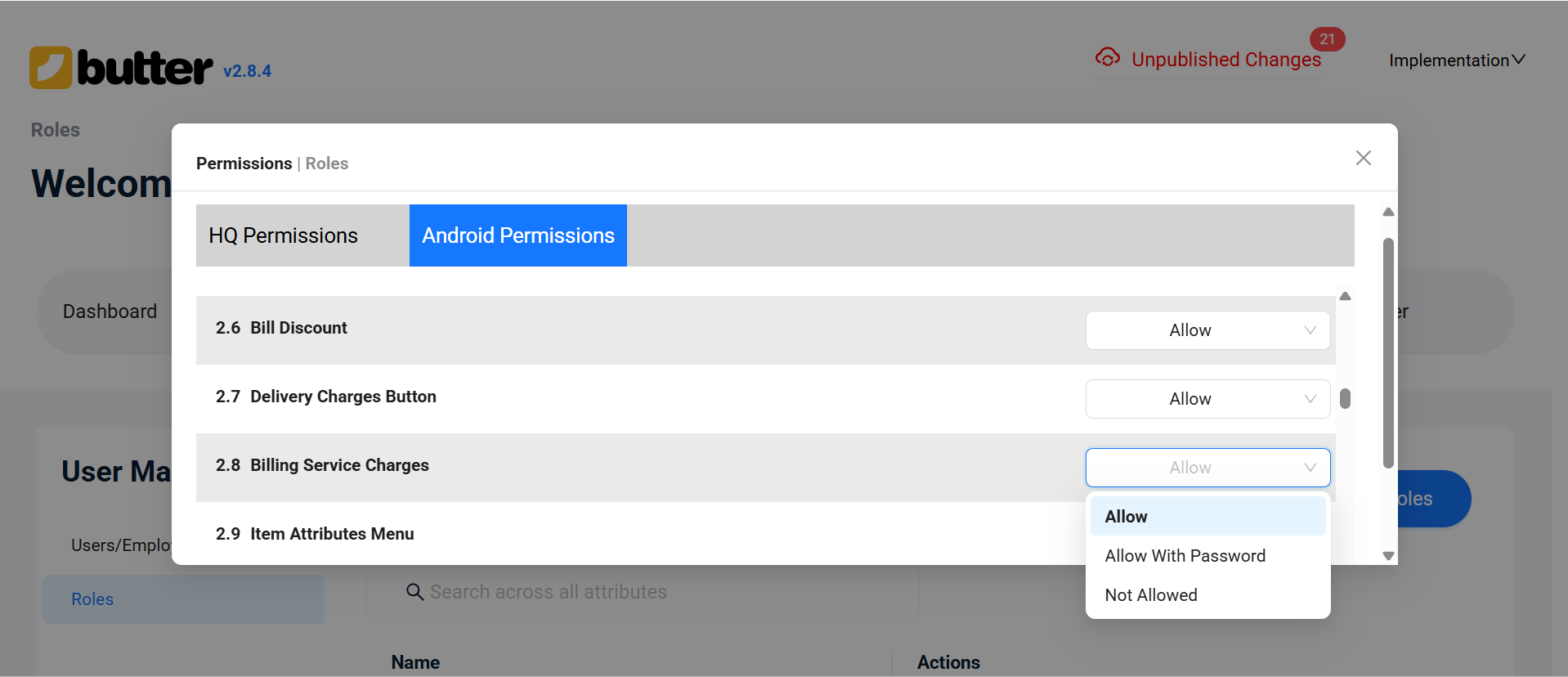
- Applying or overriding discounts
- Changing item prices
- Billing service charges
-
Refunds & Adjustments
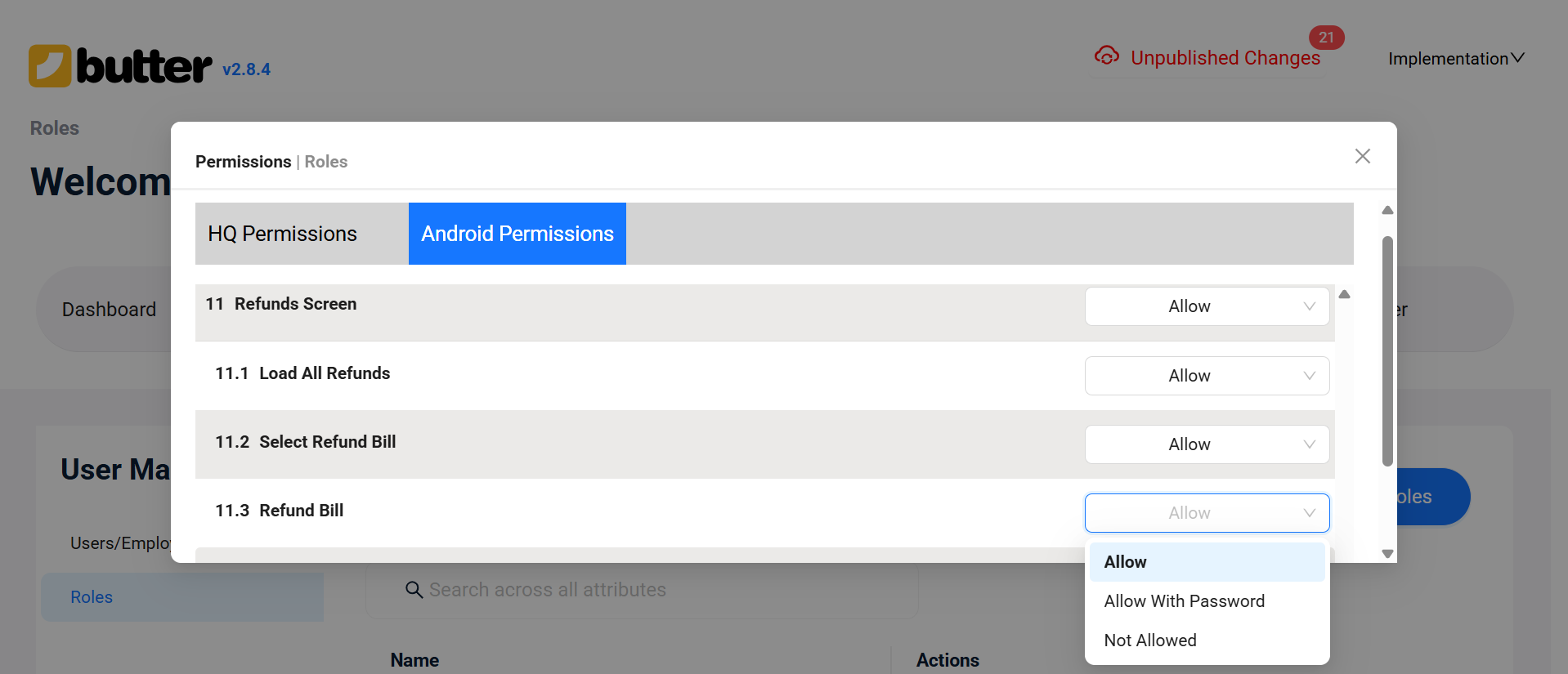
- Processing refunds
- Approving transaction adjustments
-
Reports & Financial Access
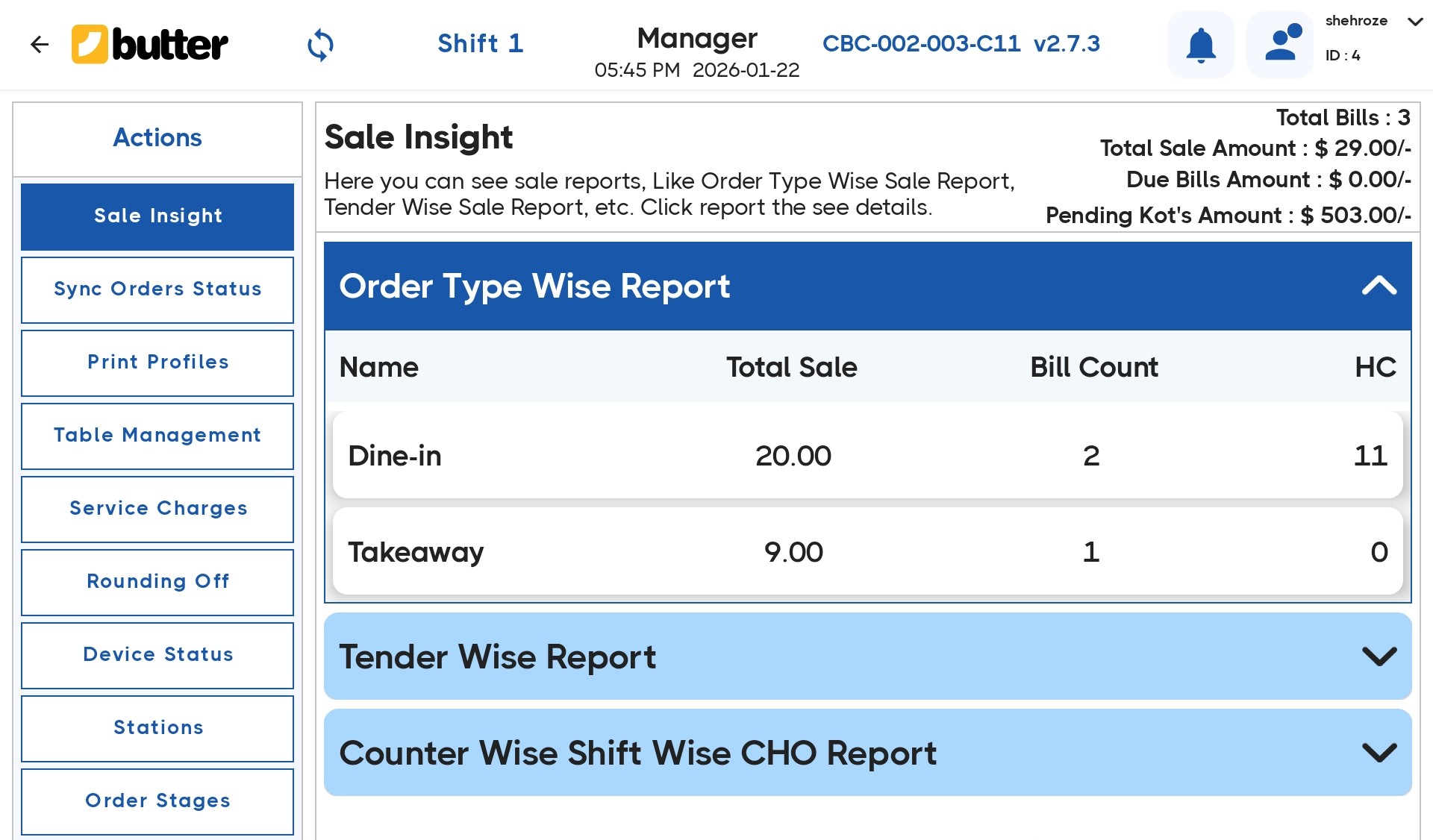
- Viewing sales reports
- Accessing shift summaries
- Opening cash-related reports
How Manager Access Works in Butter POS
The Manager Access workflow in Butter POS is simple and secure:
-
A cashier attempts a restricted action
-
The system displays a Manager Approval prompt
-
A manager enters their PIN or login credentials
-
If credentials are valid:
-
The action is approved and completed
-
If approval is not provided:
-
The action is blocked
This ensures cashiers cannot bypass system controls.
How Manager Access is Assigned in Butter POS
Manager Access is assigned through user roles and permissions:
- Each staff member is assigned a specific role
- Users with a Manager role can:
-
Approve restricted actions
-
Access protected screens and reports
-
-
Users with a Cashier role:
-
Cannot perform restricted actions without manager approval
-
This role-based structure maintains a clear operational hierarchy.
Benefits of Using Manager Access
Butter POS Manager Access offers multiple advantages:
- Strong internal controls
- Fewer billing mistakes
- Better audit and tracking
- Improved staff discipline
- Secure daily operations
These benefits make Butter POS reliable for both small and large businesses.
Common Real-World Use Cases
- A cashier adds an incorrect item → Manager approves item void
- A customer requests a last-minute discount → Manager override required
- End-of-shift discrepancy → Manager accesses reports
- Customer requests a refund → Manager verification needed
Conclusion
Manager Access in Butter POS is a powerful control feature that keeps business operations secure, transparent, and well-managed. It ensures that critical financial and operational decisions are handled only by authorized personnel, while allowing cashiers to work efficiently within defined limits.
For businesses looking to maintain strong control without slowing down operations, Manager Access is an essential feature of Butter POS.
Frequently Asked Questions (FAQs):
What is Manager Access in Butter POS?
Manager Access in Butter POS is a permission-based control that restricts sensitive actions. It ensures that only authorized managers can approve or perform critical operations. This helps protect billing, pricing, refunds, and reports from unauthorized changes. It adds an extra layer of operational security.
Why is Manager Access important in Butter POS?
Manager Access helps prevent billing errors, misuse, and unauthorized financial changes. It ensures that high-impact decisions are reviewed by a responsible person. This improves accountability and keeps daily operations well controlled. It also protects business data and revenue.
Who can use Manager Access in Butter POS?
Only staff members assigned manager-level roles or permissions can use Manager Access. These users are responsible for approving restricted actions when prompted. Cashiers and regular staff do not have approval rights. This maintains a clear hierarchy within the outlet.
Can a cashier bypass Manager Access in Butter POS?
No, cashiers cannot bypass Manager Access under any circumstances. When a restricted action is triggered, the system always requires manager credentials. Without valid approval, the action is blocked. This ensures controls are consistently enforced.
What happens when a restricted action is attempted?
Butter POS shows a manager approval prompt when a restricted action is attempted. A manager must enter their PIN or login credentials to continue. If approval is successful, the action proceeds. If not, the system cancels the request.
Does voiding a bill require Manager Access?
Yes, voiding a bill or removing items after they are added usually requires Manager Access. This prevents accidental or unauthorized removal of sales. It helps maintain accurate revenue records. Manager approval ensures accountability.
Is Manager Access required for applying discounts?
Discounts and discount overrides typically require Manager Access. This ensures pricing decisions are controlled and approved by authorized staff. It helps prevent misuse of discounts. Managers can verify the reason before approving.
Can item prices be changed without Manager Access?
Item price changes from the billing screen generally require Manager Access. This prevents unauthorized price manipulation during billing. It helps maintain consistent pricing across the outlet. Manager approval ensures pricing rules are followed.
Does Butter POS require Manager Access for refunds?
Refunds and transaction adjustments usually require Manager Access. This ensures refunds are properly reviewed before being processed. It protects the business from incorrect or fraudulent refunds. Manager approval adds an extra verification step.
Can a closed or settled bill be reopened without manager approval?
Reopening a closed or settled bill requires Manager Access. This prevents completed transactions from being altered without oversight. It helps maintain transaction integrity. Manager approval ensures changes are justified.
Is Manager Access required to view sales and financial reports?
Access to sales reports and financial summaries is often restricted to managers. This protects sensitive business information from unauthorized access. Only approved users can view detailed financial data. It supports better data security.
What happens if no manager is available at the outlet?
If no manager is available, restricted actions cannot be completed. Butter POS does not support bypassing Manager Access. This ensures security controls remain active at all times. The action must wait until approval is available.
Can multiple users be given Manager Access?
Yes, multiple users can be assigned Manager Access in Butter POS. This allows flexibility across different shifts. Each manager can approve actions using their own credentials. Control is maintained without operational delays.
Are Manager Access permissions the same for every outlet?
The overall concept of Manager Access is the same across all outlets. However, specific permissions may vary based on outlet configuration. Sensitive actions always require approval. This allows businesses to customize control levels.
Does Manager Access slow down billing operations?
Manager Access is designed to be quick and efficient. Approvals usually take only a few seconds. This ensures strong control without impacting service speed. Daily operations continue smoothly.
How does Manager Access improve accountability?
Every sensitive action requires identifiable manager approval. This creates clear responsibility for decisions made. It reduces disputes and confusion among staff. Accountability improves overall discipline.
Is Manager Access required for shift opening and closing?
Shift opening, shift closing, and day-close operations typically require Manager Access. This ensures accurate cash and sales reconciliation. Manager approval helps prevent reporting errors. It keeps shift data reliable.
Does Manager Access apply across all Butter POS screens?
Manager Access applies across billing, operational, and administrative areas. This ensures consistent control throughout the system. Sensitive features are always protected. Users experience uniform security rules.
Is Manager Access useful for small businesses?
Manager Access is valuable for both small and large businesses. It helps small outlets maintain strong control with limited staff. As the business grows, controls remain effective. It supports long-term scalability.
What is the main purpose of Manager Access in Butter POS?
The main purpose of Manager Access is to secure business operations. It ensures that only authorized managers approve high-impact actions. This protects revenue, data, and workflows. It creates a controlled operating environment.






 Region: United States


