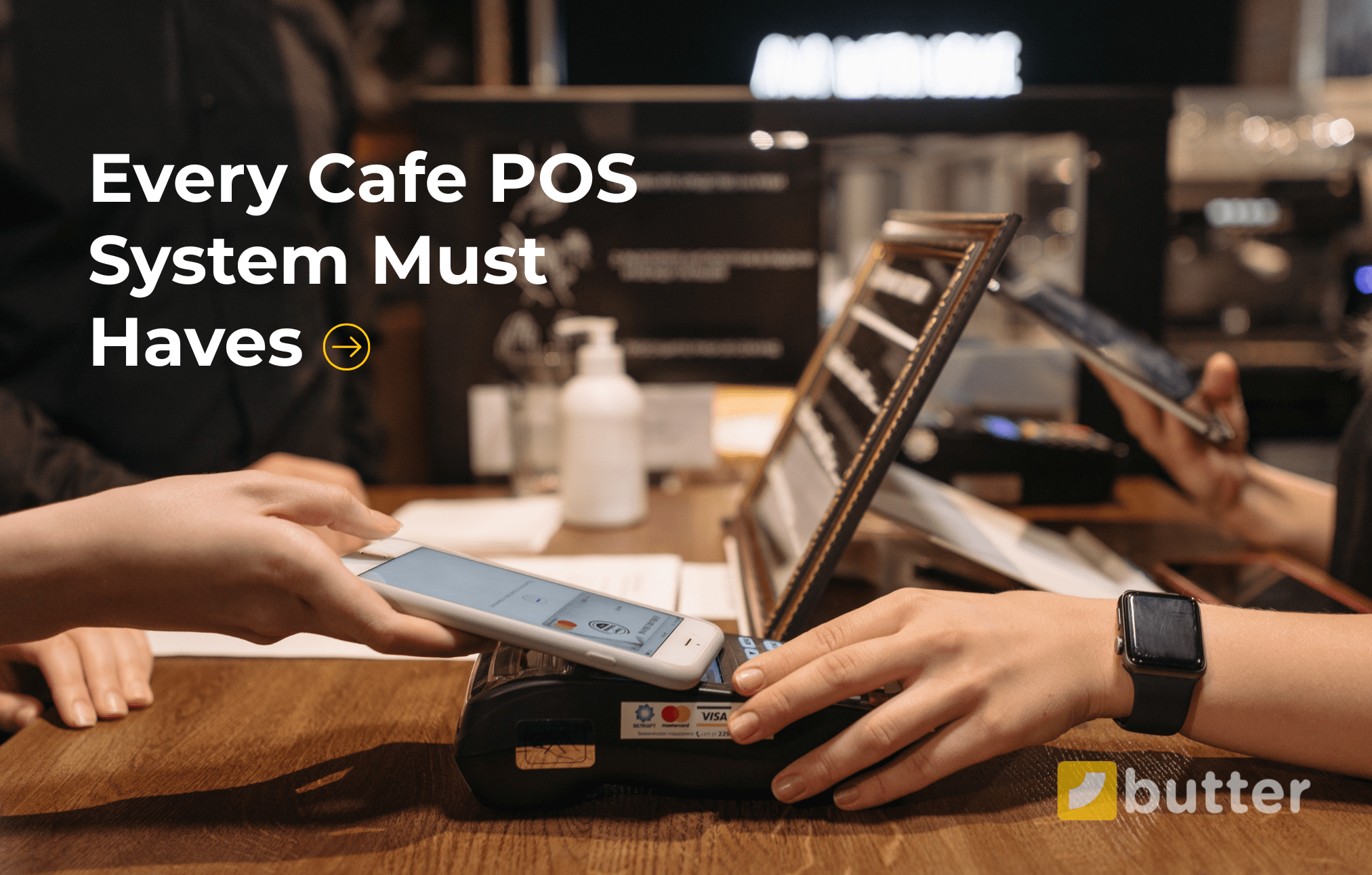
Ever wondered what truly makes a café POS system powerful?
It's not just about taking payments, it's about speed, smooth orders, happy customers, and insights that help you grow. The best café POS isn't one with fancy bells and whistles, but one that has the right 10 essential features built in: from quick order management to loyalty programs, and from offline mode to third-party integrations.
In this blog, I'll walk you through these features one by one, so by the end, you'll know exactly what to look for when choosing the best café POS.
Let's explore these 10 must-have features.
1. Quick Order Management
Cafés deal with different types of orders every single day, and a good POS should manage them all without breaking a sweat. Here's what a modern Café POS should handle:
- Dine-in – table orders handled quickly.
- Takeaway – fast service for customers on the go.
- Delivery – direct delivery orders from your own café.
- Curbside Pickup – seamless handover for drive-up customers.
- Online Orders – from your website or mobile app.
- Third-Party Aggregators – like Uber Eats, DoorDash, or Grubhub.
Instead of juggling between different apps or paper slips, the POS pulls everything together into one single screen.
Here's a visual representation of top 10 features every cafe POS system should have:
2. Menu Customization & Modifiers
If there's one thing café owners know, it must be that no two coffee orders are the same. One customer wants almond milk, another needs an extra shot, and someone else asks for "half sugar with a hint of caramel." Without the right system, these small changes turn into big headaches.
A smart café POS makes customization effortless by supporting:
- Modifiers (Add-ons & Substitutions): Extra shot, different milk, or sugar-free syrup — all handled in just a tap.
- Portion Size Options: Small, medium, large — pricing updates automatically.
- Special Instructions: Notes like "extra hot," "less foam," or "no ice."
- Dynamic Pricing: Add-ons and upgrades adjust the bill instantly, no manual calculations.
- Combos & Bundles: Coffee + croissant deals managed smoothly.
- Menu Scheduling: Morning breakfast items only show in the morning, and seasonal drinks appear at the right time.
These features will result in zero confusion, accurate billing, and happier customers who get exactly what they ordered.
3. Kitchen Display System (KDS)
Paper tickets get lost. Handwritten notes get misread. And during a morning rush, even the smallest mistake can cost you time, money, and unhappy customers. That's why a kitchen display system (KDS) is a game-changer for cafés.
Here's how a KDS makes life easier:
- Smarter Order Management: Orders pop up instantly on the barista's screen - no missed or delayed slips.
- Error Reduction: No more misreading handwriting, the exact order is right there, clear and digital.
- Tracks Order Status: Staff can mark orders as in progress or completed, so everyone knows what's happening.
- Shows Customizations Clearly: "Oat milk, extra hot, no sugar" — all instructions display neatly, so baristas don't miss details.
- Paperless & Eco-Friendly: No piles of paper tickets → lower costs and greener operations.
The kitchen display system helps in faster prep, fewer errors, and a smoother café workflow.
4. Loyalty & Rewards Program
Every café owner must know this: your regular customers are your real revenue drivers. They come back every day for their morning latte or afternoon pick-up. But here's the problem! If you don't reward them, they might just switch to the café next door.
A good café POS should make loyalty simple by offering:
- Digital Punch Cards - "Buy 9 coffees, get the 10th free" — tracked automatically.
- Points & Rewards - Customers earn points with every purchase, redeemable for drinks or snacks.
- Personalized Discounts - Special offers for birthdays, frequent buyers, or seasonal promos.
- Customer Profiles - POS remembers favorite drinks, so baristas can greet with, "Your usual caramel latte?"
Here's how you can get stronger relationships, repeat sales, and a loyal community around your café.
5. Mobile & Contactless Payments
Undoubtedly, the payment counter can make or break the customer experience of a cafe. Nobody likes waiting while the cashier struggles with payment options. The best café POS should support every way your customers want to pay.
Here's what it should handle:
- Card Payments
- Cash Payments
- Mobile Wallets
- QR Code Payments
- Online Payments
- Loyalty Points Redemption
- Split Payments
Imagine this: A group of three friends orders coffee and pastries. One pays half with a credit card, another covers the rest with cash, and a third redeems loyalty points for their drink — all processed smoothly in seconds.
6. Online Ordering & Delivery Integration
Today's café customers don't just walk in; they order from apps, websites, and delivery platforms. But here's the challenge: if your staff has to manually enter every online order into the POS, mistakes happen, delays pile up, and customers lose patience.
That's why a modern café POS should offer seamless online ordering and delivery integration.
Key advantages include:
- Direct Online Orders: Customers place orders via your website or app, and they land instantly on the POS.
- Delivery Integration: Orders from platforms like Uber Eats, DoorDash, or Grubhub sync automatically.
- Real-Time Updates: Customers can see order status — confirmed, in progress, or out for delivery.
- No Double Entry: Staff doesn't have to re-enter online orders into the system.
- Faster Service: Orders go straight to the KDS or printer for prep.
The result? More sales channels, smoother workflows, and a café experience that feels modern and convenient.
7. Sales & Customer Reports
Great coffee keeps your customers happy, but great reports keep your business healthy. Without proper data, café owners are left guessing about what's working and what's not. A powerful café POS software takes the guesswork out by giving you clear, easy-to-read reports.
Here are the must-have reports every café POS should provide:
- Daily Sales Summary: See how much you earned today at a glance.
- Item-Wise Sales: Find out which drinks or snacks are best-sellers.
- Category-Wise Sales: Compare performance across coffee, tea, bakery, or snacks.
- Staff Performance Report: Track which employees are selling the most and serving fastest.
- Payment Method Report: Know how customers are paying — cash, card, or wallet.
- Discounts & Void Report: Spot unnecessary discounts or suspicious voids that may indicate fraud.
- Feedback & Complaint Report: Collect customer feedback directly, helping you improve service.
The result? Smarter decisions, better cost control, and a clear path to higher profits.
8. Employee Management
Behind every great café is a hardworking team. But without the right tools, managing staff quickly turns into a daily struggle. From keeping track of shifts to ensuring fair tips, a smart café POS system makes employee management simple and transparent.
Here's what it should include:
- Staff Profiles & Roles
- Shift & Attendance Tracking
- Sales Performance Tracking
- Tip Management
- Role-Based Access
- Employee Feedback
- Multi-Location Staff Tracking
Imagine this: You discover through reports that one barista consistently upsells bakery items with coffee orders. With that insight, you can reward them and train others to follow the same strategy.
9. Offline Mode
A busy café can't afford downtime just because the internet goes out. Customers won't wait, and neither should your POS. That's why the Cloud-based POS systems must work even when you're offline, ensuring smooth operations no matter what.
Here's what it should include:
- Uninterrupted Billing - Continue taking orders and printing receipts without the internet.
- Auto-Sync Data - All transactions sync automatically once the connection is restored.
- No Queues, No Delays - Customers get served quickly, even during outages.
- Secure Storage - Sensitive data is safely stored until it is uploaded online.
- Works Across Devices - Offline mode functions on registers, tablets, and mobile POS units.
The result? No downtime, no lost sales, and a café experience that stays smooth and reliable.
10. Third-Party Integrations
A café often means juggling multiple platforms, delivery apps, payment gateways, and accounting tools. Without proper integrations, this quickly turns into extra work, errors, and lost time. A smart café POS system should bring everything under one roof.
Here's what it should include:
- Delivery App Integrations: Connect with UberEats, DoorDash, and Grubhub so third-party orders land directly in your POS.
- Payment Gateway Integrations: Offer smooth, secure payments through multiple providers.
- Accounting Software Integrations: Sync with accounting tools to keep finances updated automatically.
- Inventory Tools: Track stock in real time by linking with inventory management apps.
- CRM & Loyalty Programs: Engage customers with integrated loyalty and rewards systems.
- Analytics Platforms: Connect reporting tools for deeper insights into sales and customer behavior.
Instead of checking three different dashboards for delivery orders, payments, and reports — everything shows up in one place. You save hours of work and avoid costly mistakes.
Try Butter POS Today!
If you want these 10 powerful features running seamlessly in your café, make sure to try Butter Café POS — built to simplify operations, delight customers, and boost sales.
Frequently Asked Questions (FAQs)
Why should a café invest in a POS system instead of using manual billing?
Manual billing may work at a very small scale, but as soon as order volume increases, it leads to errors, slow service, and poor tracking. A café POS system automates billing, records every sale accurately, manages inventory, tracks staff activity, and generates detailed reports. This not only saves time but also gives café owners clear visibility into daily operations, helping them control costs and improve profitability.
Can a POS system help reduce mistakes in orders?
Yes, significantly. A POS system allows staff to enter orders with clear modifiers and customization options. When integrated with a Kitchen Display System (KDS), orders are sent directly to the kitchen or barista screen in real time. This removes handwritten notes and verbal communication, reducing confusion and ensuring customers receive exactly what they ordered.
How does a POS system improve customer loyalty?
A POS system helps cafés build loyalty by tracking customer visits and purchase history. Built-in loyalty programs allow customers to earn points, redeem rewards, and receive personalized offers. When customers feel recognized and rewarded, they are more likely to return, increasing repeat business and long-term customer value.
Does a POS system support multiple payment methods?
Yes. Modern café POS systems support a wide range of payment options, including cash, debit and credit cards, mobile wallets, QR payments, online payments, and split bills. Offering flexible payment options improves customer convenience and speeds up checkout during busy hours.
Can a POS system help me understand my best-selling items?
Absolutely. A POS system provides detailed sales reports that show which menu items sell the most, which generate the highest revenue, and which perform poorly. These insights help café owners optimize their menu, focus on high-margin items, and make data-driven pricing and promotion decisions.
Is a café POS suitable for small coffee shops or only large cafés?
A café POS system is suitable for businesses of all sizes. Small cafés benefit from faster billing, reduced errors, and better organization, while larger cafés gain advanced reporting, staff controls, and multi-device support. The system scales as the café grows, making it a long-term investment.
How fast can staff learn to use a café POS system?
Most modern café POS systems are designed with simple, user-friendly interfaces. New staff can usually learn basic operations such as order entry and payments within a few hours. This reduces training time and helps cafés maintain smooth operations even with frequent staff changes.
Can a café POS handle peak-hour rush efficiently?
Yes. During peak hours, speed is critical. Features like quick order entry, predefined modifiers, KDS integration, and contactless payments allow cafés to serve more customers in less time. This reduces queues, improves service speed, and enhances the overall customer experience.
Does a café POS support combo deals and offers?
Yes. A POS system allows cafés to create combo deals, happy-hour discounts, and limited-time offers. These promotions are applied automatically during billing, ensuring pricing accuracy and helping cafés increase average order value without slowing down service.
Can I run loyalty programs without extra software?
Yes. Many café POS systems include built-in loyalty and rewards features. This eliminates the need for third-party tools and keeps customer data centralized, making it easier to manage rewards and analyze customer behavior.
Is online ordering necessary for cafés today?
While not mandatory, online ordering has become increasingly important. It allows cafés to reach more customers, offer pickup options, and increase sales beyond walk-ins. A POS system that supports online orders helps streamline operations and manage all orders from one place.
Can a café POS track staff performance?
Yes. POS reports can show sales per employee, order volume by shift, and overall staff productivity. These insights help café owners reward top performers, identify training needs, and improve team efficiency.
How does offline mode protect café operations?
Offline mode ensures that billing and order-taking continue even if the internet connection fails. Orders are stored locally and synced automatically once connectivity is restored. This prevents long queues, lost sales, and customer frustration during outages.
Can a café POS work on tablets and mobile devices?
Yes. Most café POS systems are optimized for tablets and mobile devices, allowing flexible counter setups and even mobile order-taking. This is especially useful for small spaces or cafés with limited counter area.
Are third-party delivery orders managed separately?
No. With proper integrations, third-party delivery orders flow directly into the POS alongside dine-in and takeaway orders. This keeps all orders organized in one system and reduces the risk of missed or delayed deliveries.
Does a café POS help reduce employee errors?
Yes. Automated pricing, digital menus, modifiers, and KDS integration minimize errors caused by manual calculations or unclear instructions. This leads to fewer order mistakes, less food waste, and happier customers.
Can I customize the menu for different times of the day?
Yes. Menu scheduling allows cafés to automatically switch menus for breakfast, lunch, evening, or seasonal offerings. This ensures customers always see the right items without manual updates.
Is data secure in a cloud-based café POS?
Yes. Cloud-based POS systems store data on secure servers with regular backups and controlled access. This protects sales data, customer information, and staff records while allowing owners to access reports from anywhere.
Can a café POS grow with my business?
Yes. A scalable POS system supports adding new menu items, staff members, devices, and even multiple locations. As your café expands, the system adapts without the need to switch platforms.
What is the biggest advantage of using a modern café POS system?
The biggest advantage is having speed, accuracy, customer experience, and business insights combined into one system. A modern café POS helps owners save time, reduce errors, serve customers better, and grow their business profitably.






 Region: United States


